The web long predated the myriad devices that we now use to access information on the internet. To accommodate
the proliferation of different devices and screens, the CSS spec introduced a feature known as a media query
to address screens of different resolutions. As Bryce Watson and Michael Woo remind us:
Perhaps creating a responsive app is not high on your team’s priority list right now.
But one day it will be — and the conversion time frame might be very tight when that day comes.
Ideally, all you need to do is add media query CSS and everything just works. But the only way that
can happen is if the code readily adapts to responsive changes.
By itself, HTML is responsive as long as the page can determine the viewport width. However, choices that
a browser may make can be surprising or unhelpful. CSS helps ensure uniformity between device types, but only
if HTML can establish the viewport
<head>
...
<!-- This line ensures the browser can determine the viewport -->
Keep in mind that responsive design is not a separate technology: it is a method. Responsive design uses CSS
with appropriate semantic HTML groups to effect designs that work across devices such as phones and even watches.
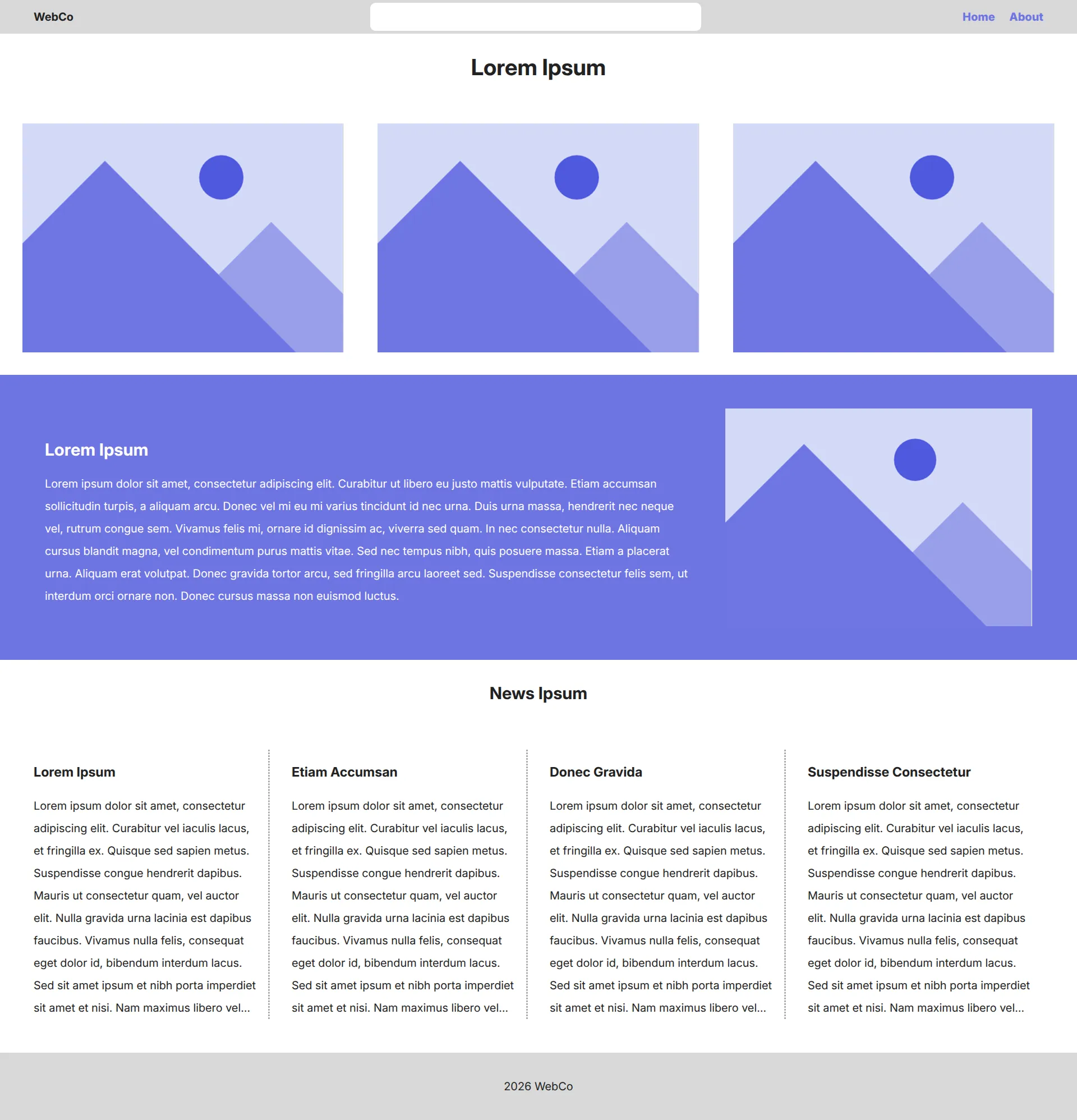
Grids are great for 2-dimensional layouts that need to control both horizontal and vertical
layouts. However, what happens when we want to do a layout in only one direction? Let’s return
to our WebCo layout.
There are a number of different positioning strategies, particularly the effect of:
.full__three_column, .full__four_column {
display: flex;
flex: 1;
flex-direction: column;
row-gap: 3rem;
column-gap: 0;
}
In the above, we overrule the display: grid set at the desktop level and substitute in display: flex
with an additional 2 parameters: flex-direction: column and flex: 1, letting the browser know
to flex vertically taking up 1 column.
This is what it means to cascade in a style sheet: more specific rules add to or replace less specific
ones (namely in order of selector specificity or even order in the stylesheet).
To add a stick wicket to the proceedings, the way that we position items relative to each other plays
in to creating usable design. CSS accommodates a number of postiions:
Position value
Meaning
absolute
Element supercedes the normal document flow, attaching to the closest positioned ancestor
relative
Element positioned as listed in hierarchy, but is then offset against itself
static
Element is positioned exactly in the document hierarchy as written
fixed
Element is removed from the document flow, then positioned against the viewport
sticky
Element positions itself in the document flow, but “sticks” to its nearest ancestor with scrollable properties (usually the viewport