Sketches, Wireframes, and Mockups
Over the course of a couple activities and working in Figma, we’ll begin to develop the physical structure and appearance of our portfolio sites.
Learning Objectives
Section titled “Learning Objectives”This lesson addresses learning objectives:
- Design front-end user experiences using accepted web design patterns, methods, and information structures.
- Identify and use strategies of successful visual rhetoric for the web.
Hello Web Design, Chapter 3
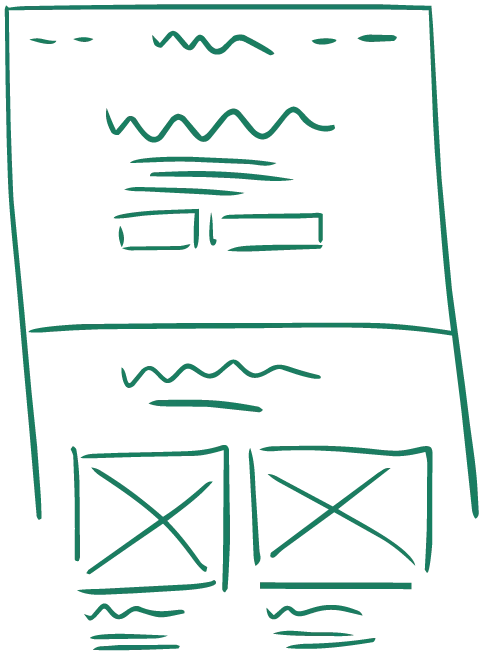
Sketching
Section titled “Sketching”- Provides a low-fidelity, rapid prototype
- Creates a situation on which designers can quickly revise/translate abstract concepts
- Contributes to faster, lower-stakes ideation
- Develops a clearer conceptual foundation for final wireframes
- Easy to develop multiple “looks” per page and compare them
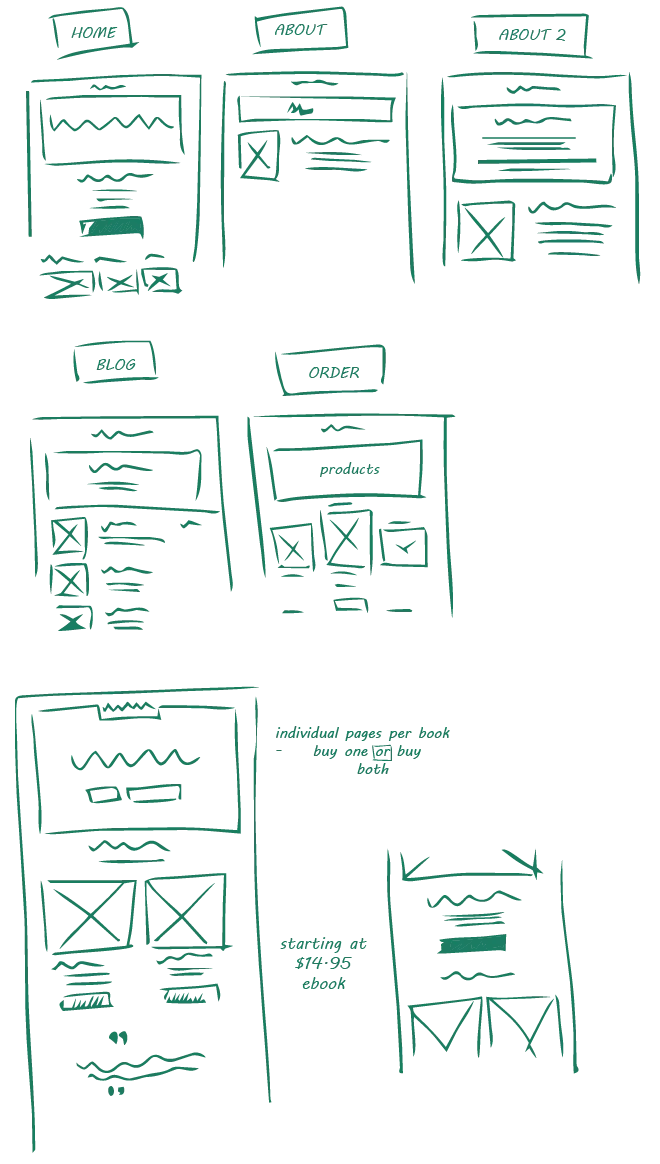
Rules for Sketching
Section titled “Rules for Sketching”- Focus only on major elements
- Do not add detail like wording unless it’s a major-level heading, or similar
- Show actions or movement through arrows or other clear indicator
- Build each sketch in layers
- Add the overall framing elements, then the next important, and so on
- Add interactions with post-it note instructions
- Photocopy your best sketches to create a platform on which to iterate
- Make multiple sketches for each page
- Make notes on the sketches
Ultimately, follow something close to a design thinking process for this step:
-

-
Devise
Section titled “Devise”
-
-
-
Compare
Section titled “Compare”
-
-

-
Take Notes
Section titled “Take Notes”
-
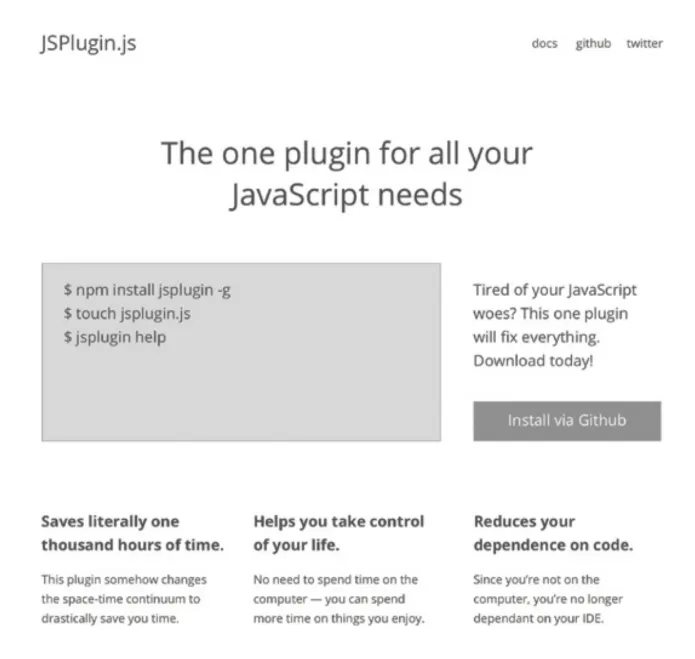
Wireframing
Section titled “Wireframing”- more precise than sketching
- often shared with front-end developers, but not clients
- minimal color and design embellishments
- purpose is to get design from paper-to-digital quickly
Tools for wireframing
Section titled “Tools for wireframing”
As with our information architecture, we’re going to use Figma, an
industry-standard design software.